Enable the Plugin
Enable in the Editor
-
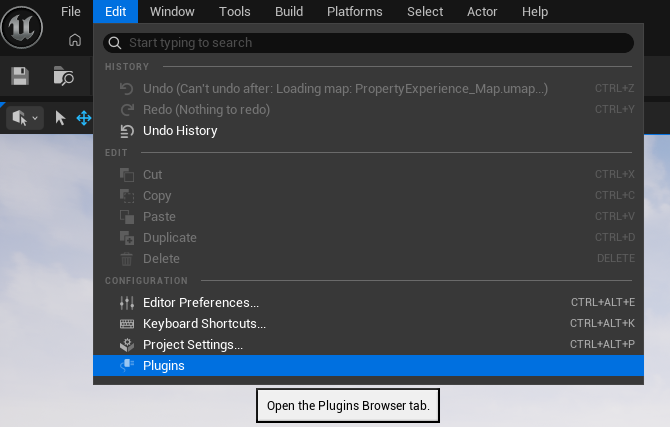
In Unreal Editor, open Edit > Plugins.
-
Find
OverAnimin theAnimationcategory.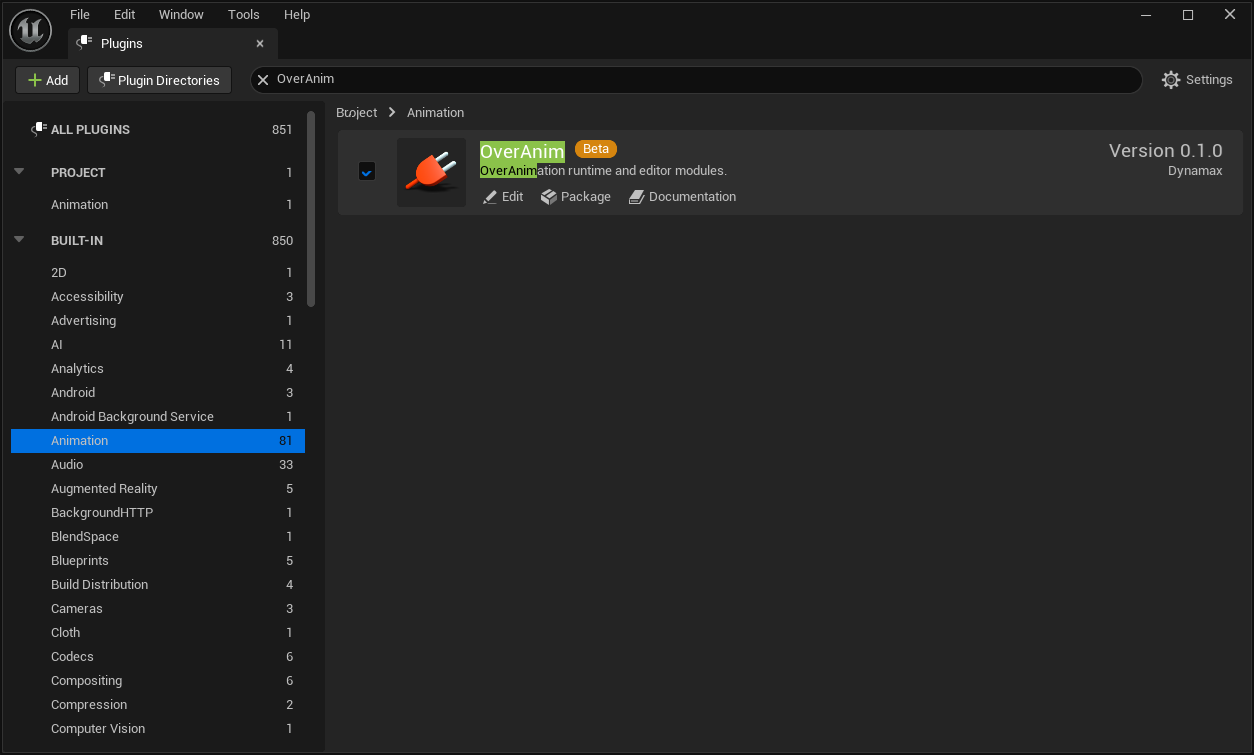
-
Enable the plugin and restart the Editor.
When including the plugin directly in a project, Plugins/OverAnim/OverAnim.uplugin must be below a plugin search path for that project.
Verify activation
After activation, verify the following in the Content Browser:
-
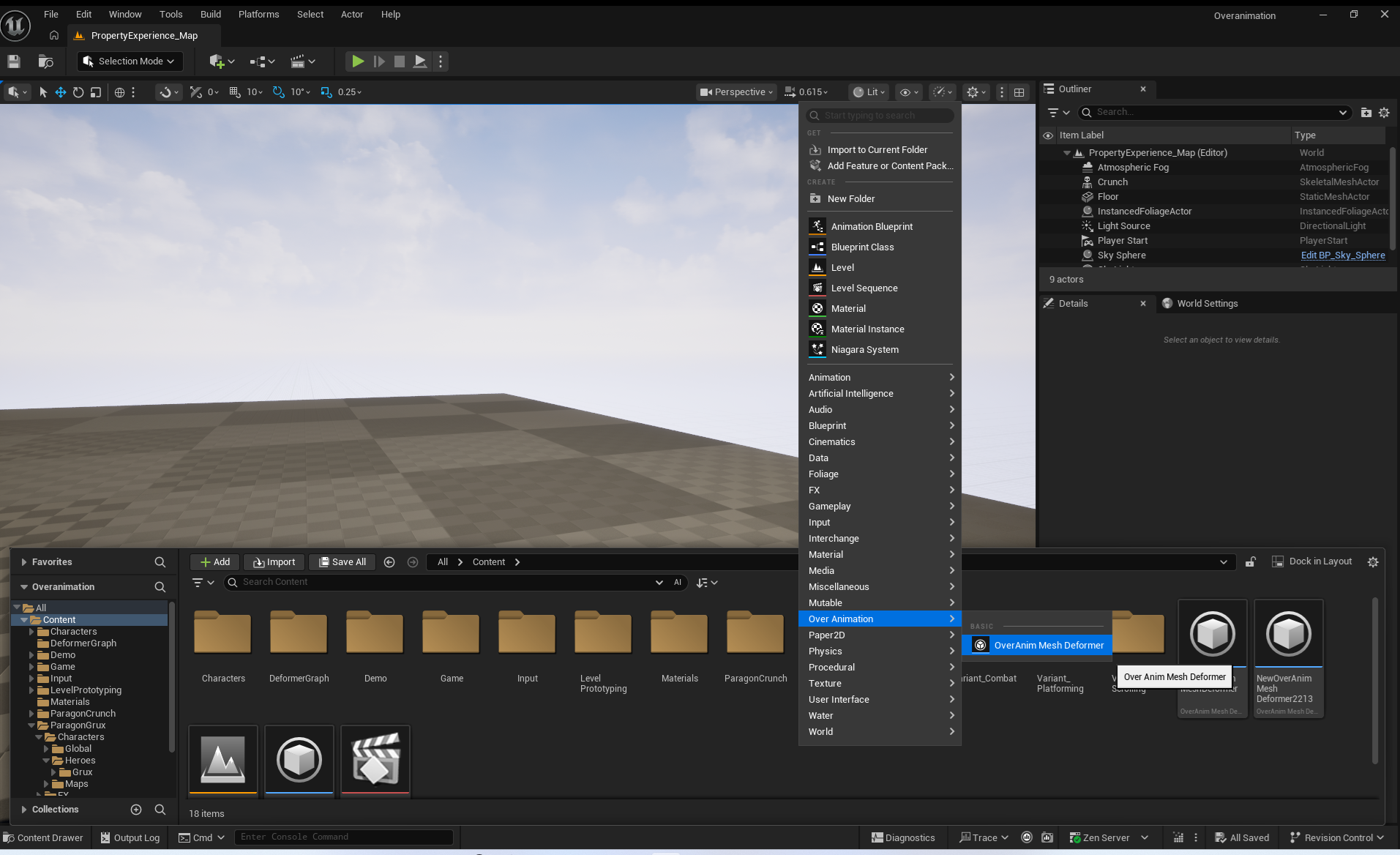
You can create an asset from Add(+) > Over Animation > OverAnim Mesh Deformer.
-
Opening the asset displays the dedicated Asset Editor with
Asset Setup,Bone Groups, andModule Stackpanels.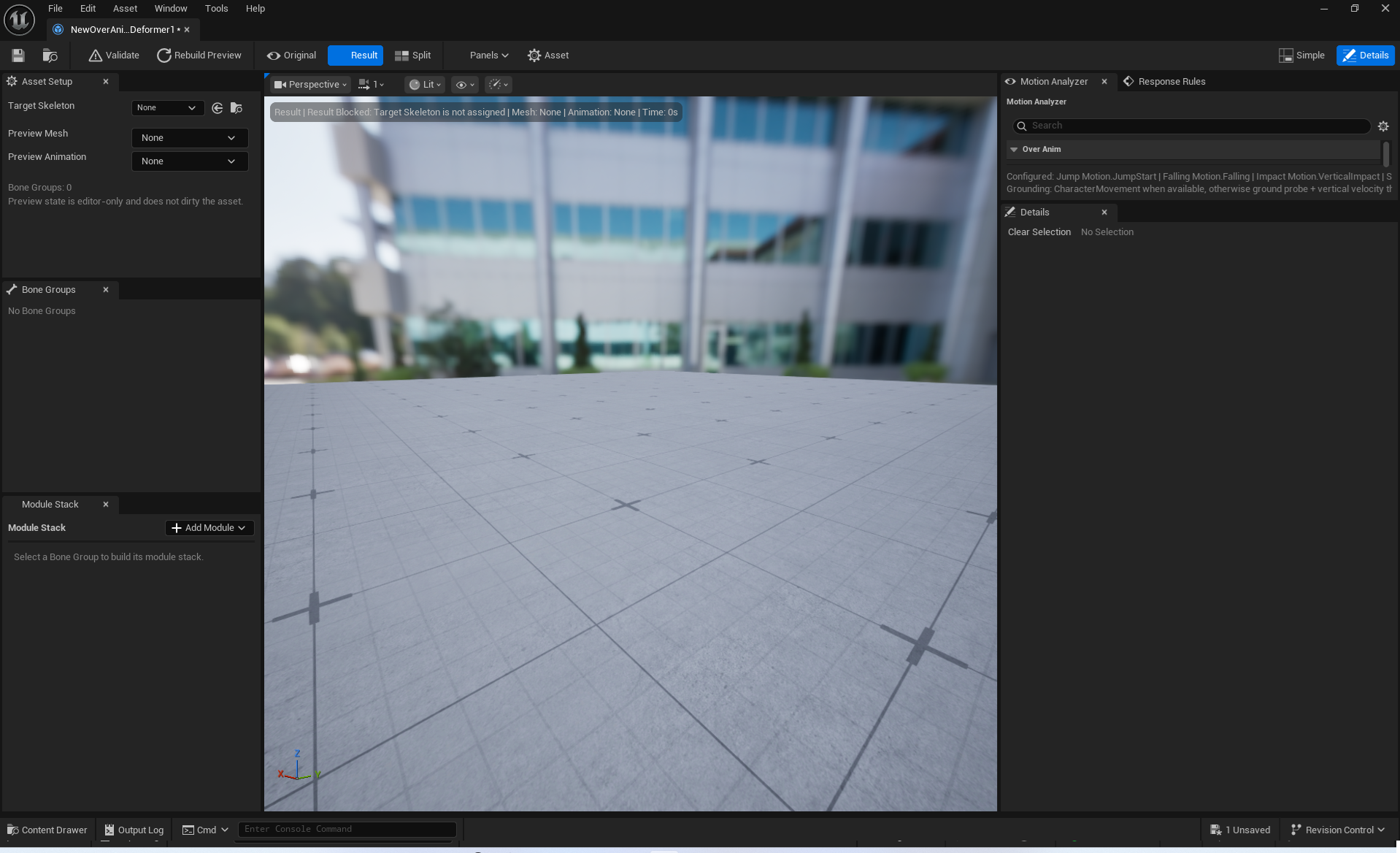
-
Over Anim Componentis available in an Actor's Components panel.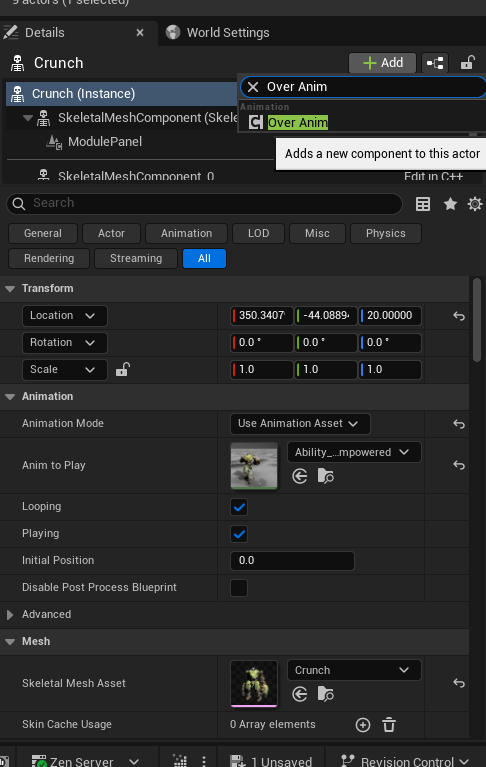
If an item is missing
Check the plugin state in the Plugin Browser, regenerate project files if necessary, and restart the Editor. Also see Common Errors and Limitations for runtime installation failures.
Code module dependencies
When a C++ project uses UOverAnimComponent or UOverAnimMeshDeformer, add the OverAnim runtime module to PrivateDependencyModuleNames in the game module's .Build.cs.
Editor extensions used for asset authoring must reference OverAnimEditor only from an Editor module, not from a runtime game module.